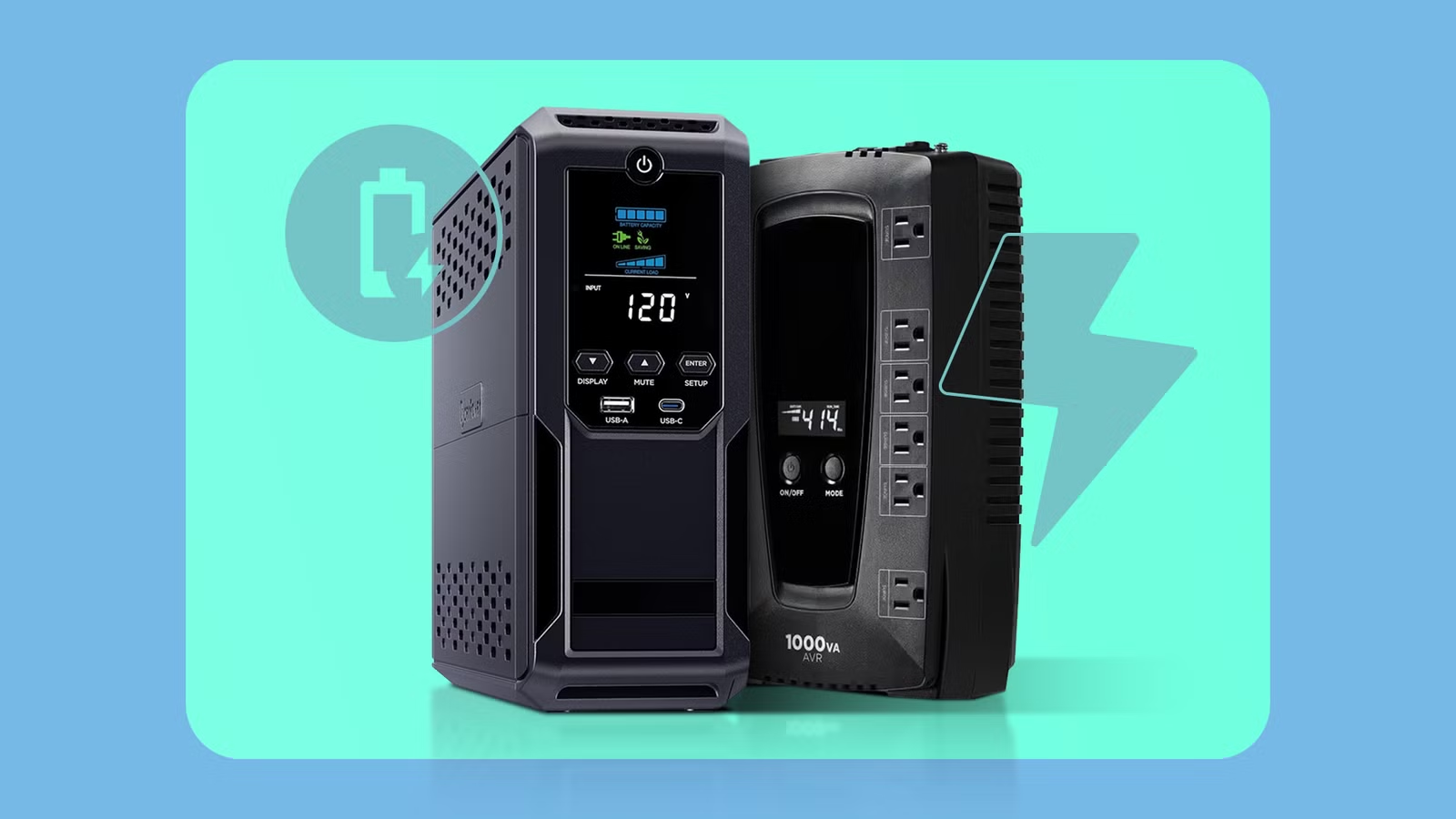
Where I live in Florida, power interruptions are just part of life. The lights flicker, the voltage dips, or the power cuts out for a few seconds without much warning. Brownouts happen throughout the year, and sometimes they’re enough to crash a computer or interrupt whatever you’re working on.
That’s one of the reasons I keep my work computer on a UPS. At the most basic level, it gives your computer enough battery power to ride through short outages or shut down safely when the power disappears. But modern UPS units can do far more than just keep your system running for a few minutes. Many models can talk directly to your computer, coordinate shutdowns across multiple devices, monitor power usage, and even control which equipment stays powered the longest. Here are some advanced UPS features you might not be using.
See exactly how much power your gear is using
Many UPS units can report real-time load, runtime, and battery health
Once connected to your computer or network, the management software can report things like current watt draw, load percentage, and how much runtime you have left on the battery. It’s a surprisingly useful way to see how hard your systems are actually working and whether you’re getting the backup time you expect during an outage.
This information can also help you make smarter decisions about what to plug into the UPS. If your desktop, monitors, and networking gear are drawing more power than you thought, you might discover that your runtime is much shorter than expected. On the other hand, you might realize your UPS has plenty of headroom to protect additional devices.
Either way, being able to monitor power usage in real time helps ensure your UPS will give you enough runtime when the power actually goes out. Knowing how much load you’re placing on the unit makes it easier to confirm you’ll have the few critical minutes needed to save your work, shut systems down safely, or ride out a short outage when disaster strikes.
Your UPS can communicate directly with your computer
Management software can monitor power events and trigger safe shutdowns
Most modern UPS units can communicate directly with your computer through a USB cable or over the network. Once connected, the UPS shows up as a managed device, allowing software on your system to monitor its status. That software can report things like battery health, remaining runtime, and recent power events, giving you a clearer picture of what’s actually going on with your power.
With the right management software installed, a UPS can also trigger actions when the power goes out. Instead of letting your computer suddenly lose power when the battery runs down, the software can tell the system to shut down safely after a set amount of time or when the battery reaches a certain level. It’s a simple setup, but it turns a UPS from a passive backup battery into an active tool for protecting your system and your data.
To enable automatic safe shutdowns, you’ll need to install and configure your UPS management software, as this feature usually isn’t turned on by default.
Decide which devices stay powered the longest
High-end UPS models can prioritize critical gear with controlled outlet groups
If you happen to have a high-end UPS, it may include something called controlled outlet groups, which let you decide exactly which devices stay powered the longest during an outage. Instead of every outlet shutting off at the same time, the UPS can cut power to less important devices first while keeping critical gear running as long as possible.
This can be especially useful if you have multiple devices plugged into the same UPS. For example, you might want your desktop computer to shut down quickly while your modem and router stay powered, so your network remains online a little longer. Or you might prioritize a NAS long enough for it to finish writing data before it powers off. By grouping outlets and setting priorities, you can stretch the available battery runtime and make sure the most important devices get the protection they need.

- Output
-
7 Amps
- Connection type
-
Type B – 3 pin (North American)
Protect your computer and data. A UPS (uninterruptible power supply) is a backup battery that keeps your PC running during power interruptions while also protecting your hardware from surges and unstable electricity.
Your systems can restart automatically after the power returns
A simple firmware setting can bring your PC, NAS, or server back online after an outage
Another useful feature many people overlook is automatic recovery after the power comes back. When an outage lasts longer than your UPS battery can handle, your computer will eventually shut down to protect itself. But once electricity is restored, many systems can automatically power themselves back on instead of waiting for you to press the power button.
This usually works together with a simple setting in your computer’s BIOS or firmware called something like “Restore on AC Power Loss.” When enabled, the system will turn itself back on as soon as power is restored from the UPS. That can be especially helpful if you run something like a home server, NAS, or media PC that you expect to come back online automatically. For example, my Plex media server runs on a small Windows PC, and having it restart automatically after a power outage means I wouldn’t have to remember to bring it back online later.
These features make your UPS far more useful
A UPS is often treated like a simple insurance policy against power outages, but modern units are capable of much more than just keeping your computer alive for a few minutes. From monitoring power usage to coordinating safe shutdowns and prioritizing critical devices, these features can help you protect your hardware and manage outages more intelligently. If you already own a UPS, it’s worth taking a few minutes to explore its management software and settings. You might discover it can do far more for your setup than you realized.