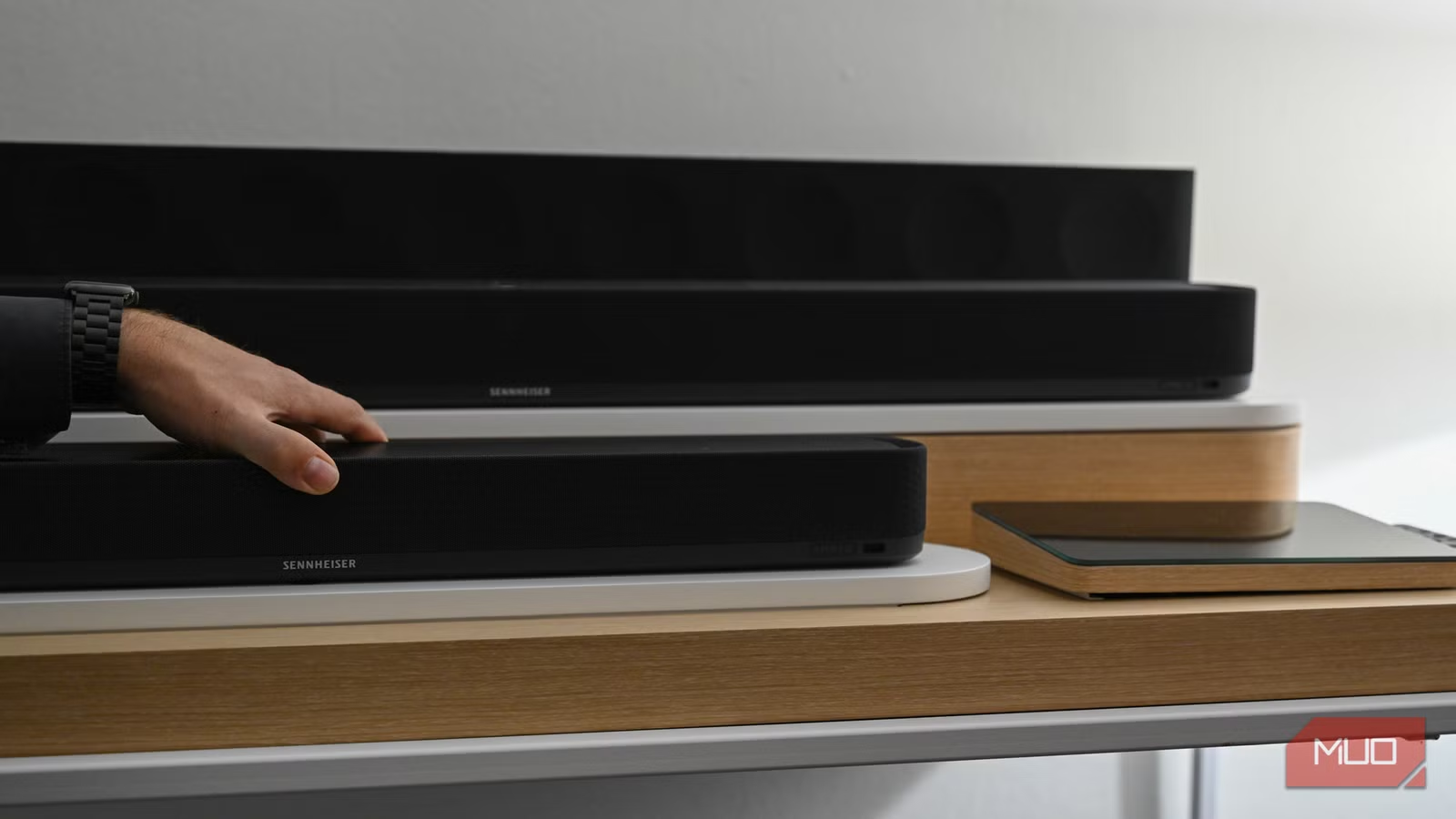
While my soundbar is indisputably a massive improvement over my TV’s built-in speakers, I have noticed that, as a mid-range model, it underperforms in certain areas. However, if you have also expressed disappointment in your soundbar’s performance, the culprit may be hiding in plain sight.
A soundbar that doesn’t sound as rich or powerful as expected could be down to one thing — the Bluetooth connection. While it’s incredibly convenient, the protocol simply wasn’t designed to deliver the highest possible audio quality. Its primary goal is efficient wireless transmission, not pristine sound.
Why Bluetooth is the weak link
Bluetooth is often the weak link in your sound setup
When audio is streamed over Bluetooth, devices “compress” the sound to fit within a certain bandwidth. This makes for a more efficient audio delivery, but it strips away detail. In soundbars, which are meant to process complex audio like soundtracks, immersive sound, and multilayered effects, this can seriously limit their potential, even if you’ve invested in a high-quality model.
Bluetooth also affects consistency. Several factors can cause fluctuations in sound quality, including distance, interference, and nearby devices. While you may not notice these effects immediately, over time, your listening experience will diminish.

Your soundbar is wasting its potential as just a TV speaker
Unlock your soundbar’s potential and maximize its value as a versatile tool for music, podcasts, relaxation, and more.
Audio compression explained
The hidden reason your soundbar sometimes falls flat

Audio compression lies at the heart of Bluetooth’s limitations. The protocol relies on codecs to transmit sound through the ether. These are algorithms that “compress” file size by removing elements deemed less important from the audio. However, these nuances may seem less important, but they still form an audible part of the sonic tapestry.
While some codecs, like SBC (the default for most devices), are more aggressive than others, even more advanced codecs like LDAC or aptX must still make compromises compared to a wired connection. This is especially noticeable with soundbars, as they are designed to create an immersive audio experience. By removing subtle spatial cues and fine detail from the soundstage, explosions feel less impactful, dialogue is less crisp, and music lacks emotive texture.
Bluetooth audio problems
Latency, dropouts, and other issues explained
Aside from sound quality, other factors can negatively affect your soundbar’s audio when connected via Bluetooth. One of the most frustrating issues is latency, the delay between audio and video. If you’ve ever noticed dialogue not quite syncing with lip movement, Bluetooth is likely to blame. Timing is critical when watching video or playing games, so latency with soundbars is all too apparent.
Dropouts and interference are other common complaints, as Bluetooth has to share a crowded wireless connection with other devices, including Wi-Fi networks, home appliances, and the ever-increasing list of gadgets that work via the Internet of Things. This congestion can lead to brief audio interruptions or inconsistent playback quality.
One issue I frequently face is pairing problems. My soundbar is inconsistent, pairing seamlessly one day, and refusing to play ball the next. Sometimes it’ll even switch unexpectedly between wireless devices. These are not strictly audio-quality issues, but they affect my overall audiovisual experience and undermine the wireless magic Bluetooth ought to provide. So is Bluetooth a premium feature, or a compromise compared to old-school wireless?
Wired vs. wireless
What your soundbar actually needs to shine

It may feel like a technological step backward, but if you want to hear what your soundbar really sounds like, a wired connection is almost always the better option. HDMI ARC or eARC, optical cables, and even auxiliary inputs provide far more stable and higher-quality audio transmission than Bluetooth.
HDMI eARC, in particular, supports uncompressed or high-bitrate audio formats. This means it preserves all the fine detail and dynamic range of your audio content, with clearer dialogue, a more powerful bass response, and a broader soundstage, which is exactly what soundbars are supposed to deliver.
Failing that, optical connections are also a reliable, solid option for consistent audio. They may not support the latest formats, but they are still high-quality and free from wireless Bluetooth interference. While it’s true that wireless audio has its benefits, reducing cable clutter, streaming from devices, and anywhere that convenience is more important than high fidelity. However, when it comes to soundbars, plugging in pays dividends.
Convenience doesn’t always mean quality
Bluetooth is the go-to wireless standard, and it’s not going anywhere soon, due to its simplicity, accessibility, and ubiquity. For the most part, I don’t think twice about using it, and it has revolutionized the way I listen to music. With soundbars, however, the trade-offs are harder to ignore. From compression and reduced audio detail to latency and connection instability, Bluetooth can significantly undermine even the best audio hardware.
By switching to a wired connection (especially HDMI eARC), you can unlock the performance that your soundbar was designed to deliver. Having made the switch, you’ll likely notice clearer dialogue, deeper bass, and a more immersive overall experience.
It’s not that Bluetooth is bad; it’s just that your system can sound better. And after shelling out for a TV and soundbar setup, you deserve to get the most for your money.