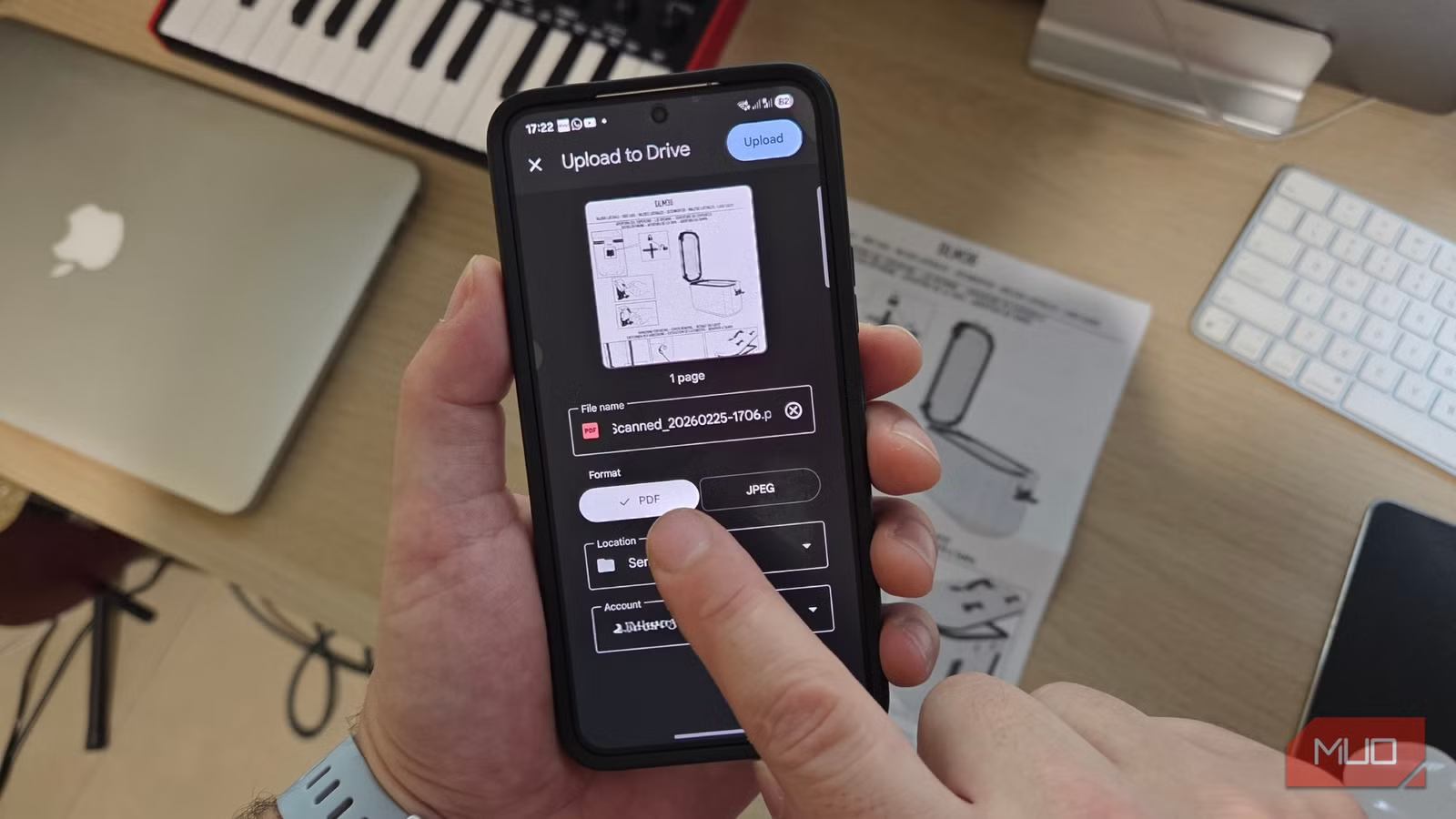
I treated document scanning as something that required a bulky piece of office equipment until more recently than I’d like to admit. As it turns out, I’m not alone, and despite the fact that most of us use our phones for banking, shopping, communication, and even our health, many of us overlook the fact that our phones have one of the most useful productivity tools built into them.
Whether you use a built-in feature like the scanner in Apple Notes or Google Drive, or a dedicated app like CamScanner, PhotoScan, or Adobe Scan, you’re carrying a portable scanner wherever you go. What’s more, if you’re not using it, you’re likely wasting time searching for paperwork, retyping information, making unnecessary trips to printers, or holding onto clutter you don’t need.
I turned my phone into a document scanner and it’s better than free apps
I stopped using free scanner apps after realizing my iPhone already scans documents better
Go paperless and reduce clutter
Turn physical paperwork into clean, organized digital files
Paperwork quickly piles up at home and in the workplace. This can include receipts, utility bills, signed agreements, school forms, medical documents, etcetera. Instead of stuffing them into drawers (and immediately forgetting where they are), you can scan them in seconds and store them safely in the cloud.
Most scanner apps automatically crop edges, enhance lighting, and convert documents into crisp PDFs that are easy to forward. They are also immediately searchable, easy to categorize, and accessible remotely. Need that insurance form while you’re away on a business trip? No problem!
Scan anywhere, anytime
Your phone replaces bulky office equipment

There’s no need to connect laptops and printer-scanner combos or visit an office supply store to scan important documents. Your phone works wherever you are, be that at a coffee shop, in a business meeting, at school, or while traveling.
Need to sign and return a contract? Scan it. Submitting paperwork for a job? Scan it. Sending identification for verification? Scan it. What used to take an extra errand now takes less than a minute. This convenience saves considerable time, especially in busy weeks or when working outside regular business hours.
Quickly share important documents
Send smart, crisp PDFs in seconds

It’s not enough to snap a photo of important documents. These need to look tidy and professional when they are filed for the record. Scanner apps, however, create clean, flattened PDFs that are easy to email or upload.
Instead of scanning something at work and emailing it to yourself, you can scan it, sign it, and send it directly from your phone. Many apps also integrate with cloud services, allowing instant uploads to shared folders.
I remember being on vacation in Goa and having to sign and send an employment contract that ran to dozens of pages. I completed it and delivered it while sitting on the beach. Being able to create and send a proper document immediately saves time and reduces hassle, allowing you to focus on important matters.
Convert images to editable text
Don’t retype content, simply scan and copy

An often overlooked feature of modern scanner apps is optical character recognition, or OCR. This technology extracts text from printed documents and turns it into editable, searchable content.
OCR allows you to scan meeting notes, book pages, printed letters, or invoices and instantly copy the text into an email or document. This can be a real game-changer, as you don’t have to manually retype paragraphs from paper. If you are a student, professional, or small business owner, this could potentially save you hours of tedious work over the course of a week.
Digitize old photos and artwork
Preserve past memories before they fade
This last benefit is my favorite use of a mobile scanner. I enjoy using a dedicated photo scanner app to preserve old photographs, kids’ drawings, certificates, and sentimental keepsakes. Those old photos that your grandparents kept in a binder? Photograph your favorites, enhance their clarity, and secure them for future generations. Those embarrassing Polaroid images of house parties from 20 years ago? Save them for posterity and destroy the originals!
Not only does this make sharing memories with family and friends easy, but it also protects memories from water damage, loss, or deterioration. The same goes for artwork: scanning creates a permanent, high-quality digital archive. It’s also an easy way to create high-quality digital prints, while keeping original copies safely stored away.
Using your phone’s scanner for everyday tasks saves hours over time
If your phone already replaces your calendar, camera, GPS, and even your wallet, it makes sense to let it replace your scanner too. A document scanner app eliminates clutter, reduces errands, speeds up communication, and even helps preserve personal memories. It’s not just about convenience; it’s about reclaiming small amounts of time that add up quickly.
Since I started using my phone’s built-in document scanner and a separate photo scanner app, I have become more organized, my physical document filing has been reduced to almost nothing, and I have a much better record of the things that are important, whether these are utility bills, goods receipts, financial documents, or sentimental keepsakes.