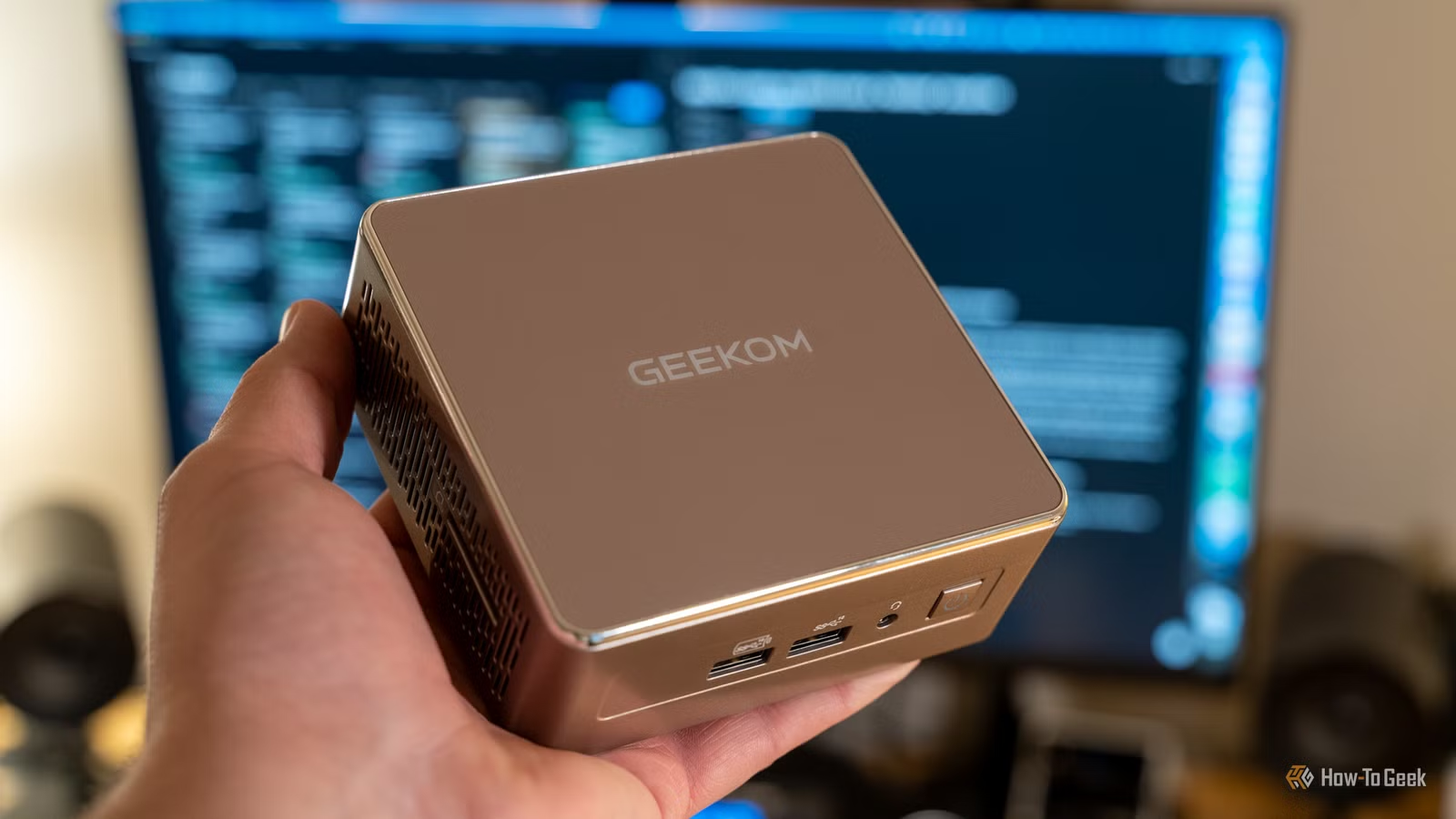
These days I have a bit of a mini-PC addiction, but when I bought my first one I didn’t quite know what I was getting into. So, in case you’re looking at all the cool mini PCs that are for sale these days, I thought it would be a good idea to go over some aspects of mini PC ownership that I wish I knew right from the start.
Mini PCs usually use laptop-class hardware, not desktop parts
First, let’s clear up that there’s a difference between a mini PC and an SFF (Small Form Factor) PC. An SFF PC generally uses the same CPUs, GPUs, and RAM as a full-size desktop PC. These have been squeezed down into the smallest space they can possibly fit, but it’s still the same components.
Mini PCs are smaller than SFF PCs, and in general use laptop components to achieve this. This is how they can run on so little power, and get away with minimal cooling. However, it means that your performance expectations should be in line with the performance that a plugged-in laptop can offer, not a miniaturized traditional desktop PC.
Cooling and fan noise vary wildly between models

Another negative attribute that mini PCs can inherit from laptops are loud fans and poor cooling. Don’t fall into the trap of thinking all mini PCs are like Apple’s Mac Mini computers, which use a cool-running, power-sipping Arm architecture.
No sir, even laptop x86 processors can turn up the heat when doing heavier calculations, and unless a mini PC has a great, well-designed cooling system, that cute little computer can easily turn into a banshee with noise that doesn’t seem to fit its smaller frame,
Now, this isn’t necessarily a big deal if the mini PC can stay silent when doing light tasks such as watching media or browsing the web. If it’s only going to do a jet engine impression when you leave it to render out a video or compile code, that’s workable. Either way, do some research on the noise levels when compiling a shortlist of mini PC candidates.
Upgradability is limited—and sometimes misleading
Mini PCs share some of the same upgradability limitations as laptops, which stands to reason since they tend to share a common hardware base. While you can usually upgrade the RAM and storage, the maximum capacities of both might be lower than you expect. So, if you expect that you’ll need more RAM or SSD storage than the mini PC in question can handle internally, you’ll have to look elsewhere.
At least with storage space you have the option of using an external drive. With USB-C and Thunderbolt being more common these days, high-speed external storage is no issue. There’s also the possibility of an external GPU using those two connections, or something like OcuLink. All of these do have limited bandwidth which reduces the performance an eGPU can reach, but some, like the Beelink GTi Ultra, have a proper custom PCIe dock for full GPU speed and expansion.

Not all workloads scale down gracefully
Most mini PCs are suitable for use as media servers, light desktop work, or always-on tasks such as doing duty in your homelab. For gaming, advanced video editing, and hardcore development, you’ll need to opt for those more exotic high-performance mini PCs. Some have desktop-grade GPUs and others offer high-end CPUs that can crunch code with the best of them.
You need a very good reason to need a mini-PC in particular, however, because getting this type of performance in this form factor isn’t cheap!

4 Affordable Mini PCs That Can Replace Your Aging Windows 10 PC
These mini PCs pack serious performance and features into a compact, budget-friendly package.
Accessories and hidden costs add up fast
Just like any other computer, a mini PC needs peripherals and accessories. Most of these are shared with other computers. I’m talking about a screen, a mouse, keyboard, and speakers or headphones. You’d need these regardless of your chosen desktop form factor.
However, there’s also the potential for some mini PC exclusive items you might need. For one thing, in most mini PCs, the power supply is external, and it’s not necessarily included with the PC itself. So you may have to spend additional money on a suitable power brick.

We’re living in the golden age of mini PCs (but how long will it last?)
The mini shall inherit the Earth.
If you do decide you need an eGPU down the line, you might be shocked at how much the enclosure is in addition to the GPU. It might also need a power supply in some cases. Before you know it, your mini PC might grow into something that takes up the same space as a regular desktop, just sort of spread out like a modern art piece.
In the end, mini PCs aren’t for everyone. If you need a small computer, an SFF or mini-ITX build might be small enough, cost less, run faster, and require fewer compromises. If, on the other hand, your performance needs are modest, and you absolutely must have that minimalist work environment, then get that mini PC goodness. Keeping the above in mind, of course.


9/10
- RAM
-
32GB DDR5 5600MHz
- Brand
-
GEEKOM
- CPU
-
AMD Ryzen 9 7940HS
- GPU
-
AMD Radeon 780M
GEEKOM’s AE7 mini PC is a compact gaming computer that packs a lot of power into a surprisingly small case.