Have you put off building a smart home because of something you heard five or ten years ago? Don’t let preconceptions cloud your judgment and hold you back; it’s time to bust some smart home myths.
Smart homes are useless without the internet
The idea that a smart home might be utterly dependent on the internet is a valid concern. While Google and Amazon’s smart home platforms have only recently taken steps to decouple themselves from the cloud, there are plenty of alternatives that are built with a local-first mindset.
Home Assistant is one such example, a completely free and open-source smart home system that runs on a server inside your local network. The Home Assistant dream is one of an interconnected smart home system that works regardless of whether you have internet or not. While some devices that are compatible with Home Assistant require the internet, this is down to the accessory manufacturer and not the platform.
You can get around this by choosing smart home accessories from companies that allow communication over Wi-Fi or Ethernet, mesh networks, or Bluetooth. Though Home Assistant uses the internet for functions like remote access and system updates, if your internet dies, all of your local devices should keep working.
Even Apple Home and competing local systems like Homey are built with local support in mind. Amazon and Google are waking up to this reality, with their newer smart home hubs supporting protocols like Matter, mesh networks like Thread, and offline control.
The era of “the internet went down so now I can’t turn on my lights” is over, as long as you pick a smart home platform that facilitates this.
A smart home runs on Wi-Fi

While it’s certainly possible to run your entire smart home on Wi-Fi, it’s not necessary or desirable. Wi-Fi makes it possible for us to walk around the house using our smartphones, tablets, and laptops. With it, you can put your smart TV or smart speaker anywhere you want without worrying about drilling holes for Ethernet cable.
But for powering a smart home, a mesh network is often a better choice. This means using Thread (Matter), Zigbee, or Z-Wave. These are low-power networks, which means they’re perfect for battery-powered devices like temperature, contact, and motion sensors.
Since they’re mesh networks, they make use of powered devices to expand the network’s reach. You can expand the range of your Zigbee network by adding a few smart plugs, even if you don’t have any devices that need plugging in. Z-Wave has the benefit of using a longer wavelength, with a reach of up to a mile under the right conditions.
Using these networks is pretty simple; all you need is a radio or coordinator connected to your smart home hub or server. Moving to one of these networks takes the strain off your Wi-Fi network, which can grind to a halt and become unreliable with too many devices connected.
Lastly, there’s always Ethernet—particularly if you like the idea of a single cable for data and power a la Power-over-Ethernet (PoE). This is perfect for security camera systems, some smart doorbells, mesh access points, and practically any other smart home device.
Sometimes, Wi-Fi is unavoidable, and that’s fine.
Smart homes are inherently insecure

The belief that smart homes are security nightmares comes from a good place. It’s not like “Internet of Things” (IoT) devices haven’t made the news for all the wrong reasons. Search engines like Shodan list millions of unsecured cameras and other smart home devices.
Though you should never implicitly trust any device, even the ones you rely on every day, there are things you can do to reduce your risk. For smart home devices, this means using a VLAN or guest Wi-Fi network to separate risky devices from your computers, NAS drives, and network infrastructure. By limiting what these devices have access to, you can limit their potential to cause damage.
It’s also a good idea to be a discerning shopper. Sketchy devices, like cheap Android photo frames that make ideal Home Assistant dashboards, shouldn’t be trusted. A local security camera setup that’s connected to a network video recorder (NVR) running on a local server is better than a Wi-Fi camera from a no-name brand with its own dodgy app.
Lastly, you can remotely access your Home Assistant server and keep it locked down using Home Assistant Cloud or a VPN tunnel. Opening ports on your router is another option, but it’s riskier than the alternative and requires that you encrypt your server properly.
Smart homes are mostly controlled by voice or smartphone

Controlling a smart home manually is actually the worst option of all. Sure, it’s unavoidable for some tasks, but a well-designed smart home works silently in the background to automate as many things as possible.
These automations should make your life easier. This is as simple as having a porch light come on at sunset or when the light levels drop. You can have your kitchen lights trigger when you walk into the room and make sure they remain on for as long as you’re there. You can trigger a bathroom light at night, but limit its brightness to 10% so you aren’t squinting.
Putting information to good use is what a smart home is all about. Water leak sensors are a classic example, notifying you that you might have a leak. But you can go a step further and buy a smart water valve actuator to automatically turn the water off when the sensor is triggered.
Let’s be clear: designing a smart home that functions just as well as a “dumb” home is also important. But tying your devices together so that you can efficiently control them based on criteria and states? That’s the real magic.
Building a smart home means replacing old appliances and devices

“Smart” has become just another buzzword that manufacturers use to sell us new versions of old devices that still work. You can buy smart dishwashers, smart fridges, and smart washing machines that promise life-changing connectivity. But not only do these devices all too often use always-online connections, but your old devices can be just as “smart.”
The classic example is using an energy-monitoring smart plug to get laundry notifications. Add a contact sensor to your washing machine door, and you’ll get reminders that you forgot to empty the drum. You can add qualifiers to this so that you only get notifications if you’re actually at home, where you can do something about it.
There are many more options here, like smart relays that work with existing light fittings and sockets. Use them to toggle and dim lights, or turn on your bathroom extractor fan without touching the switch. You can even buy infrared and radio frequency bridges to control ceiling fans and air conditioning units that lack smart control.
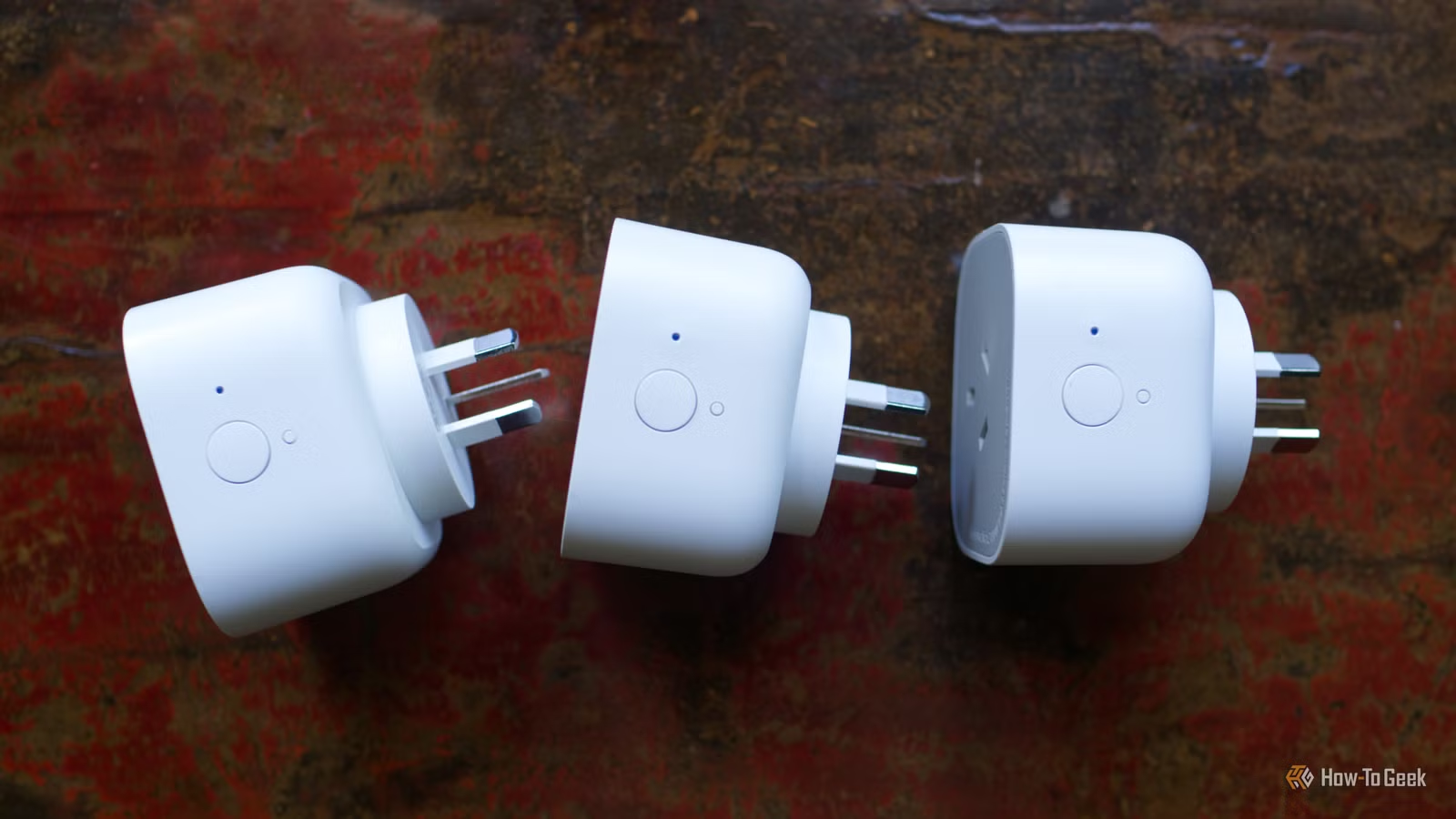
Even the most basic of devices that use a simple on-off control, like lamps and fans, can be automated with smart plugs, sockets, and switches. These upgrades will outlive the devices themselves.
Smart homes are expensive

A smart home doesn’t come for free, but there are ways to keep the price down. Home Assistant is completely free and runs on anything. You can use an old laptop, run a Docker container on your existing NAS drive, or power it with a cheap single-board computer like the Raspberry Pi.
IKEA is one company that we can credit for driving down the cost of entry for new smart home owners. The company’s line of Matter over Thread devices are the cheapest you can get your hands on, even cheaper than the company’s old Zigbee line (which also offered great value for money).
The key is to start slow and make considered changes to your home. Smart plugs are one of the most effective upgrades you can do, and they cost very little. Choosing smart switches over smart bulbs means you can stick with cost-effective “dumb” bulbs, since even smart bulbs burn out eventually.
Some smart home integrations can even save you money, allowing you to automate your heating to switch off when a window is open.
Wondering where to start? Give Home Assistant a try and start your own smart home today.