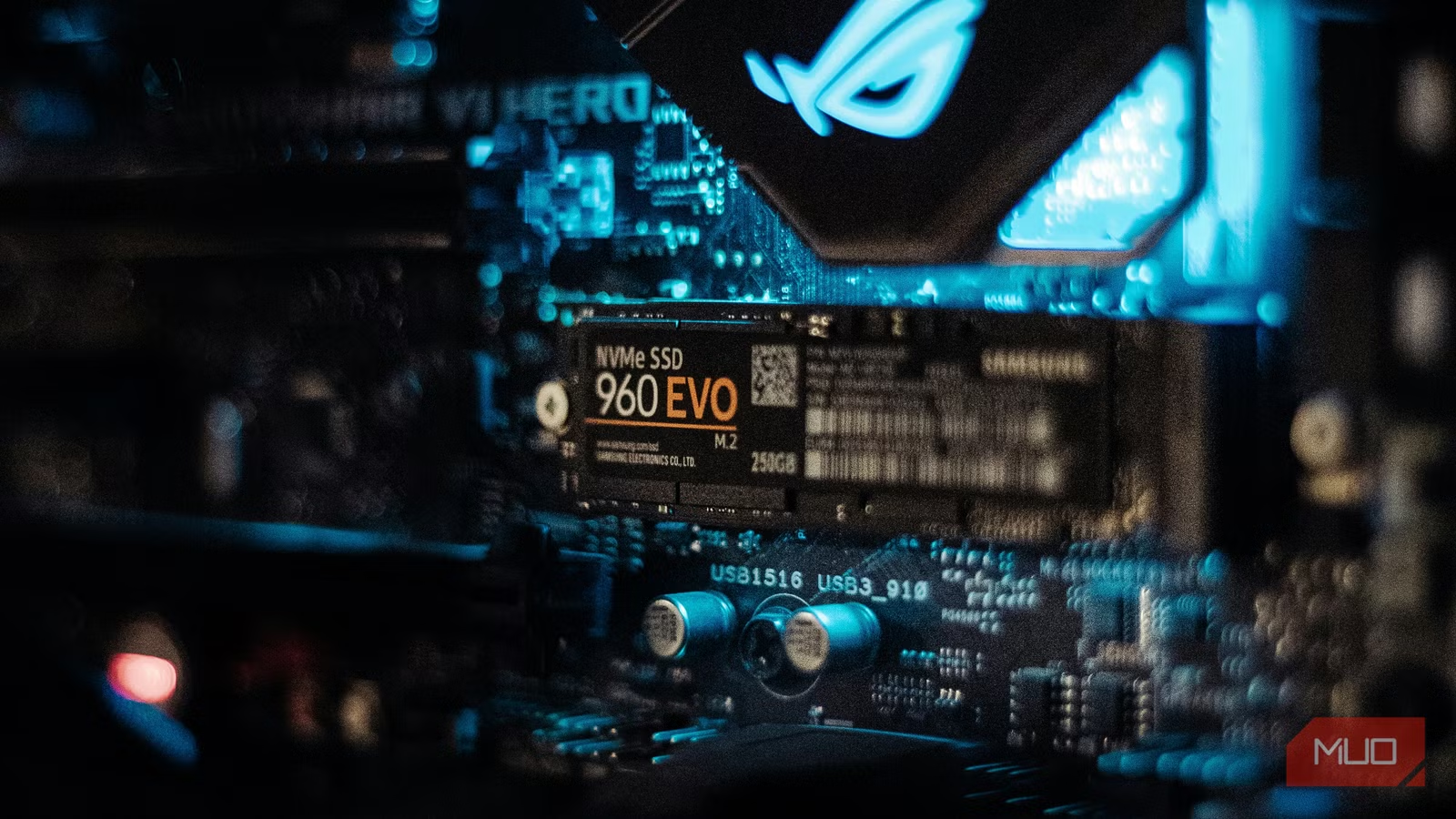
I’ll confess up front: I’m not particularly responsible with money when it comes to PC parts. That’s probably why I paid $700 over MSRP for an Nvidia GeForce RTX 5090 last year. My credit card really hates me. One purchase I feel far more comfortable with is the wad of cash I coughed up for a colossal SSD about 18 months ago.
The Crucial T700 was one of the fastest drives on the planet when I picked it up in late 2024, and it’s only the likes of the Samsung PM9E1 that can slightly edge past it now. With advertised read/write speeds of 12,400 MB/s and 11,800 MB/s respectively, this NVMe beast easily smokes any SATA SSD I’ve previously installed in my PC.
Still, going for the 4TB version (with heatsink), which currently retails for $580, was certainly a decision. It’s not one I regret in the slightest, though.
A monstrously large, monstrously quick drive
All the space and speed you could need
Back in my early adopter SATA SSD days, I frequently fretted over my ever dwindling storage each time I installed a new Steam game. Back then, I was constantly deleting titles because my PC only had three 500GB drives. Since I got the 4TB Crucial T700? I’ve never sweated over space once. Regardless of how fast that drive you have your eye on is though, you should still be mindful of these seven things to check before buying any NVMe SSD.
I’ve been using Crucial drives for years. No SSD I’ve ever owned compares to the T700. This little M.2 storage option may only take up a tiny amount of space on my motherboard, yet it provides me with all the current storage I could realistically need.
Aside from immediately gaining brownie points for sounding like a Terminator Skynet would assign to go back and assassinate Past Me, the T700 is simply a marvelous NVMe drive. Incredibly fast and super-reliable, I’ve yet to encounter a single issue with this high-end PCIe Gen5 SSD since picking it up.
Just how fast? I timed the T700 loading Windows 11 in 4.77 seconds from when my motherboard’s boot screen initialized. Happily, Crucial’s promised speeds are right on the money (if not a little better in terms of read data).

This trick sped up my Steam downloads on an NVMe or SSD
Struggling with slow downloads? Try this trick on for size.
Using CrystalDiskMark benchmarking software, the sequential read/write speeds on my T700 clock in at 12,357/12,001 MB/s.These four ways to test SSD speed and performance are also worth checking out.
All the space in the world
4TB is tough to fill

My 4TB Crucial T700 doesn’t actually give me the advertised amount of storage. The real max partition size I’m working with is a “meager” 3.63TB. A truly minuscule amount, right? That’s because many SSDs (PCIe or SATA-based) use hidden space for formatting purposes that eat into the storage sizes manufacturers boast about on the box.
Even minus that relatively minor amount of space, I’ve still not come close to maxing out the T700. I just checked the contents of my drive before writing this article, and I’ve still got a healthy 1.41TB to play with.
Those other 2.22TB are currently taken up by my Windows 11 installation, 93.68GB of video files, 2.95GB of photos, 1.5GB of music, and a piddling 1.67TB of apps. Of the latter, the lion’s share of that software is my ever bulging games collection.
A colossal drive for a serial game collector
Installing ALL of the Steam games

I’ll level with you: I have a Pile of Shame problem. My Steam library currently sits at 327 titles. Granted, I’ve been using Valve’s digital platform since it first launched in 2004, but that’s still a fairly absurd number. Of those 300+ games, 43 are currently installed on my mighty NVMe SSD.
Before I bought this monster, transferring titles between different Steam libraries that were located on separate drives was a regular occurrence. With 3.63TB of storage to play with, those transfers are a thing of the past.
Out of sheer curiosity, I moved my largest Steam game — all 176.64GB of Forza Horizon 5 — to my Sabrent Rocket 4 Plus Gen4 NVMe SSD from the T700 in just 156 seconds. Even previous generations of PCIe drives shame their SATA predecessors in terms of read/write speeds.
Get into the game in a flash
Faster SSDs = smoother gaming

Bugbear Entertainment \ Dave Meikleham \ MakeUseOf
One of the biggest benefits to owning such a big and blistering NVMe drive is how quickly I can load into my favorite Steam games. I’ve been messing about with a bunch of my go-to titles over the last week, and the speed the Crucial T700 can get me to the heart of the virtual action in these games has really impressed me.
I tested the six titles I’ve clocked the most amount of hours on Steam over the past month, and the subsequent figures give me nightmares about the days I used to be stuck with glacial HDD load times. The data below tracks the time it took me to get into each game from its start menu.
|
Cyberpunk 2077 |
Elden Ring |
Forza Horizon 5 |
Marvel’s Spider-Man 2 |
Resident Evil Requiem |
Star Wars Outlaws |
|
10.50 seconds |
8.12 seconds |
12.19 seconds |
5.04 seconds |
8.52 seconds |
8.05 seconds |
These numbers are undoubtedly impressive, and even if you don’t own a Gen5 PCIe drive, there are still six simple ways to get more performance from your NVMe SSD.
I can barely get a blink in when loading a save from Marvel’s Spider-Man 2, Insomniac’s superhero sandbox boots so speedily. There is a caveat, though: despite the Gen5 T700 being substantially quicker than the PS5’s Gen4 stock SSD, most PC games don’t fully take advantage of its vastly superior read speeds. For context, the Gen4 NVMe in the PS5 is only around 5,500 MB/s.
I actually own three of the games in that table on both PC and PS5. Comparing the load times between Cyberpunk 2077, Elden Ring, and Star Wars Outlaws, the gap is hardly gaping between the two SSDs. Cyberpunk is (10.50s vs 10.99s), ER (8.12s vs 13.87s), and in the case of Outlaws, my lightning Gen5 drive is actually slower than PS5’s Gen4 SSD (9.35s vs 8.05s).

What Is an NVMe Slot and What Does It Look Like?
If you want to upgrade to an SSD, you’ve probably heard of NVMe. But what is it?
Why isn’t the T700 pulling further in front of the console’s SSD? I suspect that the stripped-down nature of loading games on a dedicated console is more streamlined than on a PC drive, which is having to juggle an OS with hardware components from different manufacturers on a machine that’s fundamentally built to do a lot more than play video games on.
Can I truly justify owning a $500 SSD?
You better believe I can. Yes, I realize I paid as much for my main NVMe drive as a PS5 and Xbox Series X cost. And yet, I regret nothing.
My Crucial T700 boots up Windows 11 in preposterously speedy style, while also firing me into the thick of the action in my most beloved Steam games just as quickly. If you can’t afford or don’t need the storage of the 4TB model, please seriously consider the 1TB, $170 version of Crucial’s awesome NVMe drive.