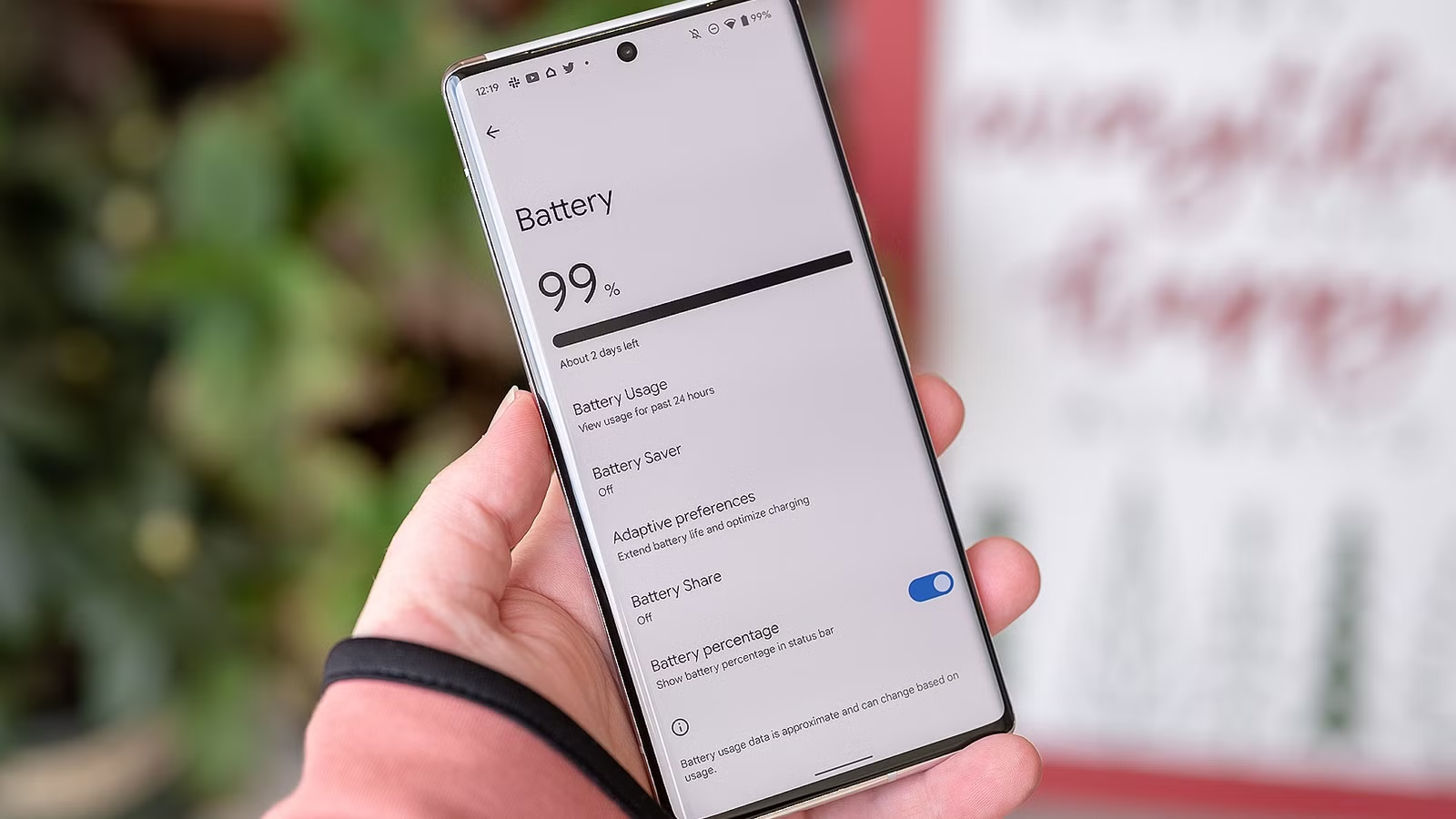
If you want to take care of your phone’s battery, setting a charging limit to prevent wear might seem like a good idea on the surface. Batteries don’t like to be nearly full or nearly empty, and the feature that most new Androids and iPhones include gives you an easy way to manage them.
However, if you pause for a moment and really think about it, giving up a fifth of your phone’s entire battery capacity just to protect it over the long term is actually a huge compromise.
The 80% charging limit permanently cuts your battery capacity
It’s almost like the battery is already old and worn out
Lithium-ion batteries don’t like to be too full or too empty; their optimal health is preserved if you keep them in the 20% to 80% charge range. Once a battery is close to its maximum capacity, internal resistance increases, and a higher voltage is needed to continue charging, which causes heat to build up and chemical degradation processes to accelerate.
This is a massive problem when you invest $1,000 in a phone, expecting it to last three or four years, only to see the battery degrade after two. While battery replacements are a thing, spending north of $100 just to restore its original lifespan doesn’t sound like a good deal compared to upgrading to a new device.
That’s why most smartphone manufacturers now provide an easy way to set a firm (or customizable) 80% charging limit, so your phone’s battery doesn’t get too full when you forget to unplug it. You still have to remember to charge the phone when the battery drops too low, but at least this takes care of the overcharging problem, right?
Wrong.
While setting the charging limit to 80% (or 85–90% if it’s customizable) sounds like a great way to protect your expensive new phone’s battery health, you’re effectively compromising your battery from day one. Sure, it might degrade a bit more slowly, but you’re also giving up 20% of your battery’s maximum capacity immediately.
Assuming a battery loses around 4% of its capacity annually, this means your brand-new phone has the same capacity as a five-year-old phone—from day one. And if you also take care not to let your battery drop below 20%, you’ll only have 60% of usable capacity left.
Besides, any battery will eventually degrade with enough charging cycles, so you’re hardly even preserving your battery’s health all that much by limiting its maximum charge.
While you might not always need the 20% that the charging limit blocks off, you can’t tell me there aren’t days when you get home with a near-dead phone because you didn’t have a charger or the time to charge it.
Technically, you could turn the limit off on the days you need that extra 20%, but are you actually going to remember to do it?
For me, the answer is no. While my OnePlus 15’s massive 7,300mAh silicon-carbon battery can easily last two days, I still prefer to leave the house on a full charge if I’m going to be out all day.
Just unplug your phone around 80% instead
Don’t ignore the low-battery warnings either
Instead of setting a hard limit on your maximum charge, you should just unplug your phone when it’s in the 80–90% range. Phones are designed to slow down charging speeds as they approach the maximum, so this is actually easier than it sounds.
If you want to be extra diligent, you can set a custom charging notification with a unique sound that tells you the phone is at 80%. When you’re just using the phone around the house, you can unplug it, but if you need all the battery you can get, you can ignore the sound and let the phone finish charging to 100%.
And if you’re the type of person who leaves their phone to charge overnight to have a full battery ready in the morning, there’s the adaptive/smart/optimized charging feature.
The exact name varies by phone brand, but the underlying function is the same: the phone learns from your usage habits and alarms to identify when you usually wake up. It keeps the battery at 80% to avoid unnecessary wear, then completes charging to 100% just before you unplug it.
This way, you get most of the benefits of a hard 80% charge limit without sacrificing a fifth of your battery.
Fast charging makes this surprisingly easy
Charging slows down dramatically as the battery fills up

The way modern fast chargers work goes hand in hand with creating a habit of unplugging a phone when the charge reaches around 80%.
This is because fast chargers charge a phone extremely quickly only when the battery is mostly empty. As it fills up, charging speeds deliberately slow down to reduce wear on the battery, with the slowest charging happening in the last 20% or so.
If you check in on your phone while it’s charging, there’s a good chance you’ll catch it in the 80–90% range—precisely when you want to unplug it anyway. Once you get familiar with how quickly your phone charges, you’ll unconsciously learn to predict when to unplug it.
My old phone supported 50W fast charging, and by keeping its battery in the 20–80% range without a hard limit, I was able to preserve its battery health reasonably well and didn’t have major complaints even when the phone reached a full five years.


9/10
- Brand
-
Ugreen
- Output Power
-
8.5W, 20W, 22.5W, 45W, 65W
The Ugreen Nexode Pro 65W USB-C Wall Charger doesn’t include a ton of connections, but whatever you plug into one of the USB-C ports, or the single USB-A, is guaranteed to be refueled at lightning speed.
Modern phones already protect their batteries better than you think
They already have a small buffer at the top and bottom
One of the things you have to understand about modern smartphone battery charging percentages is that they’re not firm numbers—they’re estimates. A 100% charge might actually be only 96%. On top of that, modern phones have a small reserve at the top and bottom of the battery to prevent major damage.
Between that and fast charging, it’s honestly hard to justify the inconvenience of living with an 80% maximum battery capacity on a daily basis. Instead, I suggest taking a loose approach to charging your phone: plug it in when it’s around 20% and unplug it at around 80%. If you forget, it’s not the end of the world.

Extremely Fast Charging Doesn’t Ruin Your Battery (But This Does)
As it turns out, charging speed isn’t the enemy.