Nothing derails a perfectly normal Linux conversation faster than asking, “So… how do you install apps?” You can feel the shift immediately. Someone cracks their knuckles. Another person leans forward like they’ve been waiting their whole life for this moment. Suddenly, it’s not a question anymore, it’s a debate club with strong opinions and suspicious levels of emotional investment.
And I get it. I’ve been there. I’ve argued all sides depending on the week, the distro, and how recently something annoyed me. But after actually living with all three, not just testing them for a weekend and declaring victory, I’ve landed somewhere pretty firm. This isn’t theoretical anymore. This is a tested, mildly frustrated, occasionally caffeinated reality. And yeah, for me, there’s a clear winner.
Why Linux needed new app formats
Traditional packages worked until they very much didn’t
There was a time when installing apps on Linux felt clean. You used your package manager, pulled something from the repo, and trusted that everything would just behave. Until you need newer software or a very niche one. Or something that depended on a slightly different version of a library that your distro absolutely refused to touch because “stability.” That’s when things got weird. PPAs, manual installs, and dependency chains that looked like conspiracy theories. You fix one thing and break three others. Classic Linux rite of passage.
Developers weren’t having a great time either. Supporting multiple distros meant either packaging endlessly or watching users show up with “it doesn’t work” and zero useful context. So the idea of universal formats made a lot of sense as it bundles everything, making it run anywhere. Stop the bleeding is a simple goal with three very different executions.
AppImage felt like freedom until it felt like clutter
Portable apps are great right up until you live with them

AppImage is the easiest one to love at first. Download file, make executable, double-click, and done. No install process, no system changes, no weird background services doing things you didn’t ask for. It feels clean in a very “leave no trace” kind of way. And honestly, there’s a certain charm to that. It’s Linux going, “You know what, let’s not overcomplicate this.” But then you keep using it.
And suddenly your Downloads folder looks like a digital junk drawer. Ten versions of the same app because you forgot which one was the latest. No automatic updates unless the developer felt generous. No real integration unless you start adding extra tools to glue things together. It works. It absolutely works. But it never quite feels like part of your system. More like a guest that refuses to unpack their suitcase. AppImage is freedom. It’s also a bit of a mess if you’re not actively managing it.
Snap tried to fix everything and became a whole thing
Structure is nice until it starts making decisions for you

Snap comes in with a completely different energy. It’s structured, centralized, and managed. You don’t install apps so much as you onboard them into a system that already has opinions about how things should run. And to be fair, a lot of it is good. Sandboxing is solid. Updates happen automatically. You don’t have to think about much once it’s set up. On Ubuntu, it’s everywhere, whether you asked for it or not.
But then you start noticing the edges. Apps take that extra second to launch, just long enough to make you wonder if you actually clicked. The backend is tightly tied to Canonical, which doesn’t sit right with everyone. And those automatic updates? Great in theory, slightly unsettling when they happen on their own schedule. Snap feels like a system inside your system. And sometimes it feels like it’s in charge.
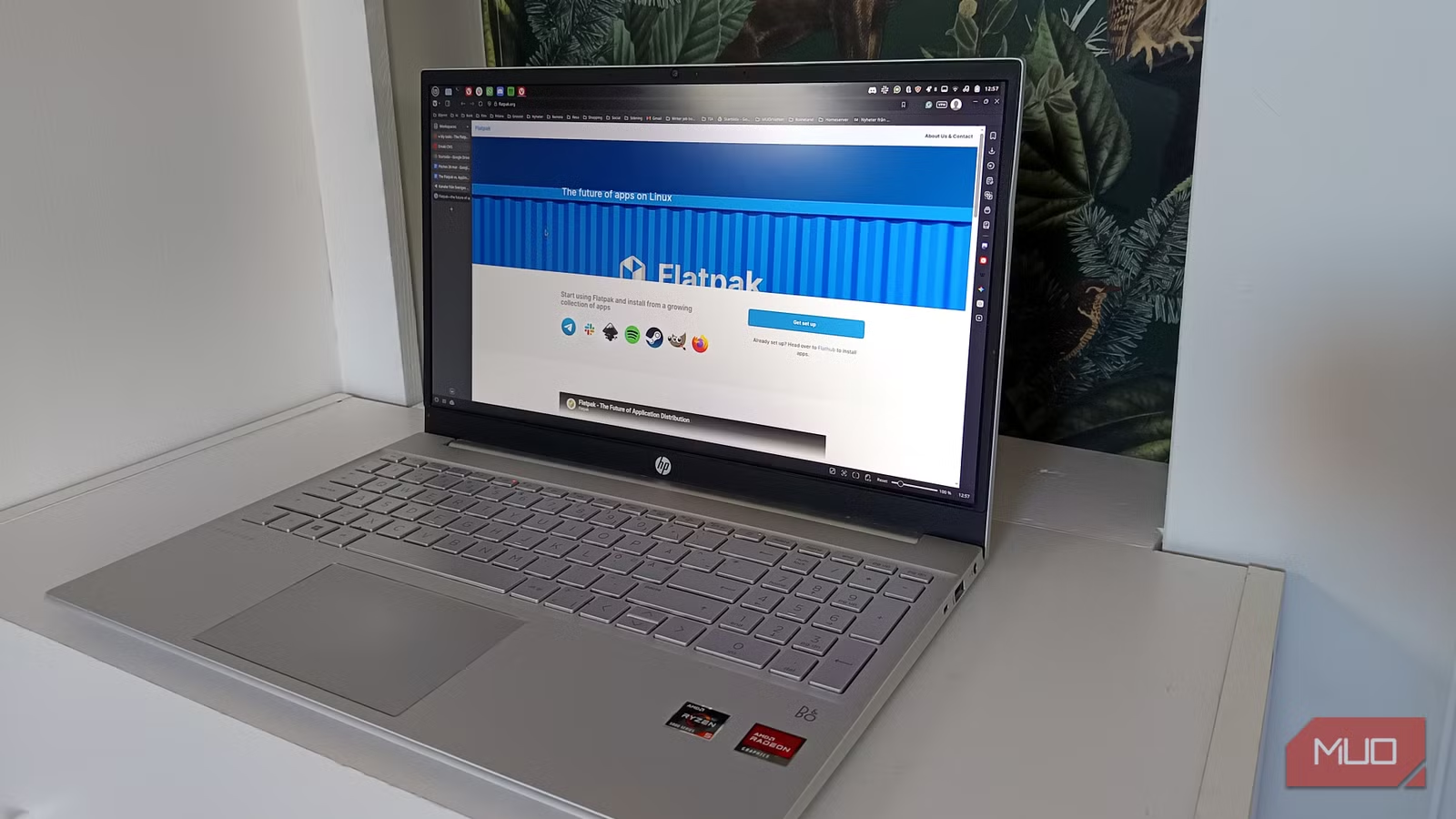
Flatpak slowly stopped being “another option”
It’s the one that didn’t annoy me over time
Flatpak didn’t win me over instantly. There was no dramatic moment where everything clicked and I went, “Ah yes, this is the one.”
It was quieter than that. It kept not being a problem. Apps installed cleanly. They launched when I expected them to. Updates happened without turning into a whole event. Nothing felt like it was fighting me, and on Linux, that’s saying something. The sandboxing is there, but it’s not locked behind some invisible wall. You can actually tweak it. Give apps access to what they need, take it away when they don’t. Tools like Flatseal make it feel less like a restriction and more like control.
And then there’s Flathub. It’s not perfect, but it’s easily the closest thing Linux has to a real app ecosystem that feels alive. Most of what I need is there, it’s usually up to date, and I don’t feel like I’m being funneled into someone else’s idea of how my system should behave. Flatpak doesn’t try to dominate your setup. It just fits into it.
The winner is the one I stopped thinking about
Here’s the honest truth. None of these formats are perfect. AppImage is fantastic for quick downloads and portable use. Snap does a lot right, especially in controlled environments. They all solve real problems, and depending on your setup, any of them could make sense.
But when I look at what I actually use day to day, not what I think I should use, not what Reddit tells me to use, but what I instinctively reach for…

I didn’t understand Linux package managers until everything broke — now I have one rule
Rules have exceptions, right?
It’s Flatpak. Not because it’s exciting. Not because it’s the future of Linux. But because it consistently stays out of my way. And that’s the real win. Linux already demands attention. You think about your system, your tools, your setup, sometimes more than you’d like to admit. The last thing you need is your app format adding another layer of decisions on top of that. Flatpak removes that noise. And once something stops being noticeable in a good way, once it just quietly works without pulling focus, that’s when you realize the debate is over.
At least for you.