Finding Wi-Fi on the go can be a challenging task. Public Wi-Fi may be convenient, but it’s got its own risks. Just because you can access the internet on a connection doesn’t mean you should, especially when you’re working with sensitive information or managing your finances. There are many safer alternatives to public Wi-Fi easily available anyway.
The answer to your on-the-go connectivity issues is already in your pocket. Your phone’s hotspot is arguably the most underused tool in most people’s tech arsenal. You’re already paying for a cellular data plan, so you might as well use it properly.
Public Wi-Fi is a gamble you don’t need to take
Open networks are convenient, but far from secure
Public Wi-Fi can be genuinely risky. Most are either completely unencrypted or use shared encryption keys, which means anyone else on the same network — possibly hundreds of people — can potentially intercept your internet traffic. Cybercriminals routinely set up free Wi-Fi networks that look completely legitimate but are designed to phish your login credentials, browsing data, and even cookies.
Even if you manage to find a legitimate public Wi-Fi network, those are still riddled with issues. Man-in-the-middle attacks, where an attacker can capture data packets going out of your device and the site you’re trying to visit, are quite easy to pull off on public Wi-Fi because there’s no authentication barrier to joining the network.
Your phone’s hotspot avoids all of these problems. It’s a private network that uses WPA2 encryption out of the box. You control the password, and no one else can join unless you allow that. It’s a private network that travels with you anywhere you go, and that matters more than you might realize.
Your hotspot is faster
Why your own connection beats shared networks every time
Apart from network security, internet speeds on public WI-Fi can be wildly inconsistent. You might get a perfectly adequate 50 Mbps at your favorite café in the morning when it’s empty, but by noon, as people start coming in, don’t expect those speeds to hold up.
As the load increases on a public Wi-Fi network, the connection stability and speed both drop significantly. The more crowded the network, the slower your internet speed, and the harder time you’ll have even trying to connect to it.
Once again, your phone’s personal hotspot sidesteps these issues and provides a stable, high-speed internet connection. Regardless of whether you’re on 5G or a 4G LTE connection, you’re almost guaranteed to get internet speeds faster than what a public Wi-Fi would offer.

The only exception to this would be in cases where your phone doesn’t have a strong cellular signal. If you’re in a basement or any area where the cellular signal is shaky, your internet speed is going to nosedive. Even then, the risks and annoyances of public Wi-Fi will still exist; it just might be your only option.
It’s already in your pocket
No setup, no passwords—just turn it on and connect

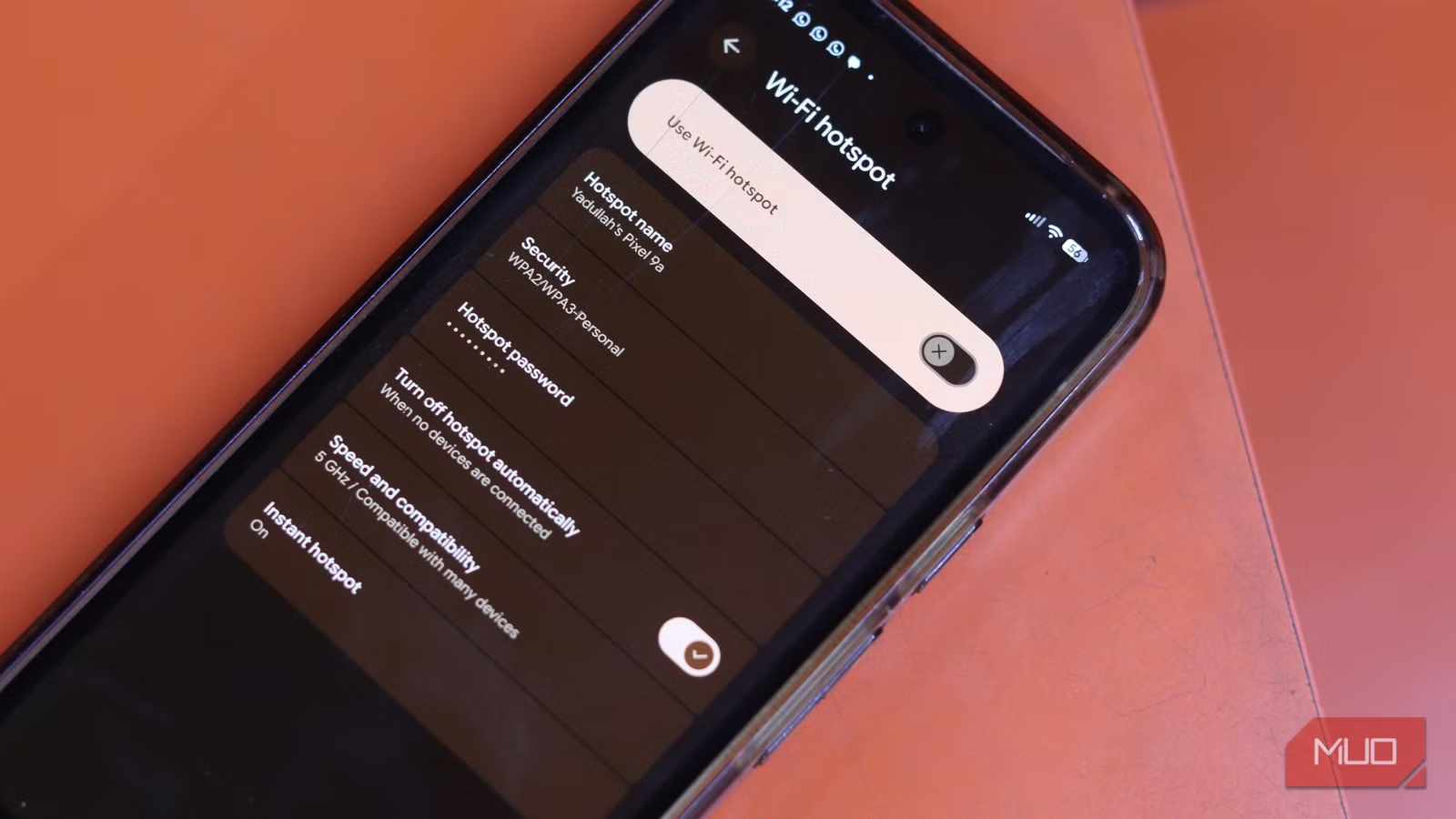
Hotspot setup on phones is as simple as it gets. On Android, you head over to the phone settings, Network & internet > Hotspot & tethering, change the password, and enable the hotspot. On iOS, it’s located in Settings > Personal Hotspot > Allow others to join.
Name your network, set a good password, and you’re broadcasting a private internet connection to any device within range. Your laptop, tablet, secondary phone, TV, or just about anything that can use a regular Wi-Fi connection can connect to the internet.
You also have the option to use USB tethering, which shares your phone’s internet connection via a USB connection, which shows up on your PC as an Ethernet connection. You could also use Bluetooth tethering, but it’s slower than Wi-Fi and USB.
There are a few trade-offs
Data limits, battery drain, and when it might not be ideal

Just because your phone can pull double duty as a Wi-Fi router doesn’t mean you can make it’s full time job. It’s one thing to reuse an old phone as a Wi-Fi repeater, but using your phone as a hotspot always is a one-way ticket to a much higher data bill and possibly a degraded battery.
Using the hotspot on your phone drains your battery significantly faster than regular phone use. Your phone is handling both a cellular connection and a Wi-Fi broadcast simultaneously. Having a power bank handy makes this a non-issue in most cases, but it’s worth knowing.
Second, since your phone is doing a lot at once, it’s pulling more power from the battery, which results in more heat. Keep in mind the phone is acting as a router, processor, and radio transmitter all at once, so it’s bound to run warm. Using your hotspot for extended periods with your phone exposed to direct sunlight or kept on a soft surface that traps heat can stress the battery over time.
The fix is straightforward: keep your phone on a flat, hard surface, limit the number of connected devices, and plug into a charger or a power bank for longer sessions.
Public Wi-Fi isn’t dead—just overrated
When it still makes sense (and when it doesn’t)
Your hotspot shouldn’t and to an extent can’t replace public Wi-Fi in every situation. If you’re downloading a big software update, transferring tons of files, or streaming 4K video for yours, you might be better off looking for a trusted network to save your mobile data and battery life.

You Can Use Public Wi-Fi—But Only If You Follow These Safety Rules
You’re good to connect to public Wi-Fi networks. Just take some precautions first.
But for routine work like checking email, taking video calls, browsing, working on a document, or similar, your phone’s hotspot is a cleaner, faster, and much safer way than the shared Wi-Fi at whatever cafe or airport you’re currently at. The best internet you’re not using has been in your pocket the whole time.