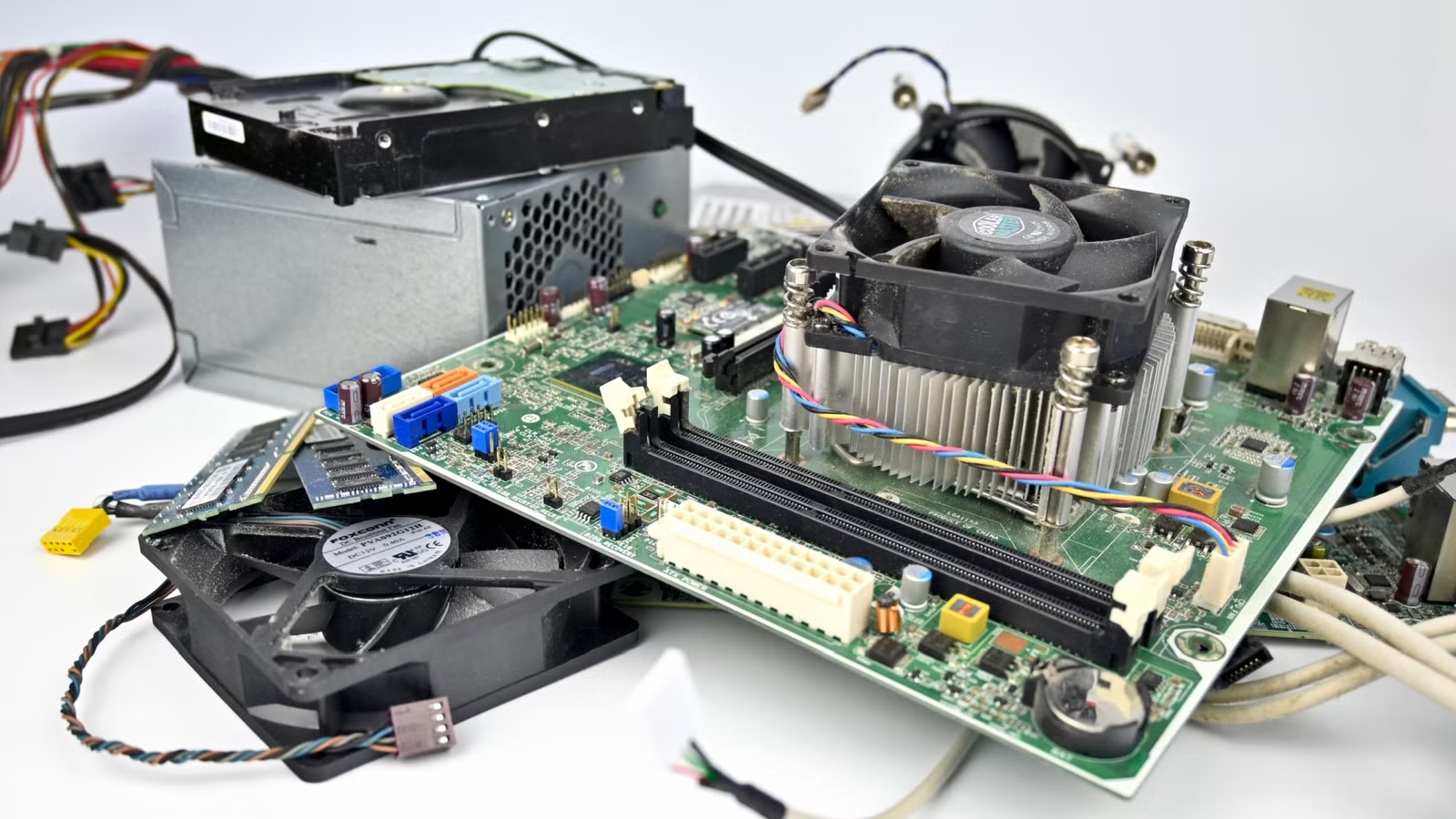
One of the best advantages when it comes to desktop PCs is the ability to reuse parts from your previous build in your new system, but it can also be a trap that ends up costing you extra time and money that could have been avoided if you’d used a new replacement part from the get-go.
So while you can still enjoy this boon of PC building, there are some components that are a red flag and spell danger for your new build.
Power supplies (PSUs) that are past their sell-by date
I know this might be one of the most controversial items on the list. After all, you’ve probably stretched a PSU over two to three builds, and I certainly know that I have. I’m not saying that you can’t upgrade your computer without forking over the cash for a new PSU every time. All I’m saying is that power supplies have a limited lifespan and if you don’t know how old a PSU is or how much work it’s done, it’s a very bad idea to assume that it’s going to be good for a new build.
Capacitors age, new components need more amps than your old PSU can supply, and a PSU that goes out with a bang after long service rarely does so alone. At the very least buy a power supple tester to check if the PSU is still running within spec, and double check that it can comfortably supply the peak power that your computer demands. However, some hard lessons have taught me that if my computer is old enough to really need an upgrade, the PSU probably needs to be replaced too.
PSU cables

Modular PSU were a godsend when they first hit the market. Now you didn’t have to stuff all the unused PSU cables into an empty drive bay anymore. Simply attach the cables you need to use and store the rest. However, when the time comes to upgrade and you install a new modular PSU, you may be tempted to just use the modular cables from the old PSU instead of doing a new round of cable management.
This is a potentially fatal mistake since the cable pinouts on the PSU side of the cable aren’t standardized between brands, or even necessarily between different models of the same brand. The worst-case scenario is a dead computer.
Old mechanical hard drives and SSDs

Who ever has enough storage? I certainly don’t, but that doesn’t mean it’s a good idea to reuse old mechanical hard drives or aging SSDs. I say that with the caveat that you should not use these drives as system drives or to hold critical data that you can’t afford to lose. Sure, everyone should make regular backups, but that doesn’t help recover the work you lost in the gap between those backups.
Mechanical hard drives have many precise and fragile moving parts. Even under the best of circumstances they will eventually fail, and if you’re lucky you’ll get a SMART warning or hear the “click of death” in time to save your most important files, but they can just as easily disappear in an instant.
The same goes for old SSDs, particularly early SATA models. These drives had poor write endurance and unsophisticated drive controllers. There has been so much advancement in SSD in a short period of time, that these older drives are several generations behind.
I still use my SSDs from a decade ago, but I have rotated them to non-critical roles. For example, I use my old Samsung EVO SSD as an external drive on my PlayStation 5. The only thing that will happen if that drive dies is that I’ll have to re-download games from Sony’s servers. I won’t actually lose anything.
Cheap or mystery-brand RAM

I get it, RAM is super expensive as I write this and maybe you have some old unbranded (or heck, even branded) memory that you think will be just fine to reuse in your new computer. As long as it’s the right type of memory, you should be fine, right?
Well, the truth is that if you mix and match RAM, you’re never going to have more stability or speed than the worst module in that mix can provide. There’s also the issue that some of that old RAM might be flipping bits and corrupting data, and it’s not always possible to catch that using RAM testing. So unless you’ve dumpster-dived some old ECC server memory, you’re taking a chance with data integrity too.
Ancient AIO liquid coolers

Unlike air coolers, PC water coolers can cause severe damage if they fail, and with the improvements in air coolers in the past few years, they’re becoming less popular in mainstream builds. AIOs in particular get more risky the older they get.
The pump will fail after a certain number of hours, although the worst that happens is your CPU overheats and the system shuts down. Springing a leak, on the other hand, is no joke and I certainly wouldn’t risk reusing an AIO in any computer I cared about.
In the end, we all have our own personal tolerance levels for risk and reward, but for me, the components listed above are better new than worn out or from unknown providence.